Image Tools
Modify
-
Optimize
-
Coloring
-
Convert
-
Security
Image Tools
To Split your image by this tool, follow these steps.

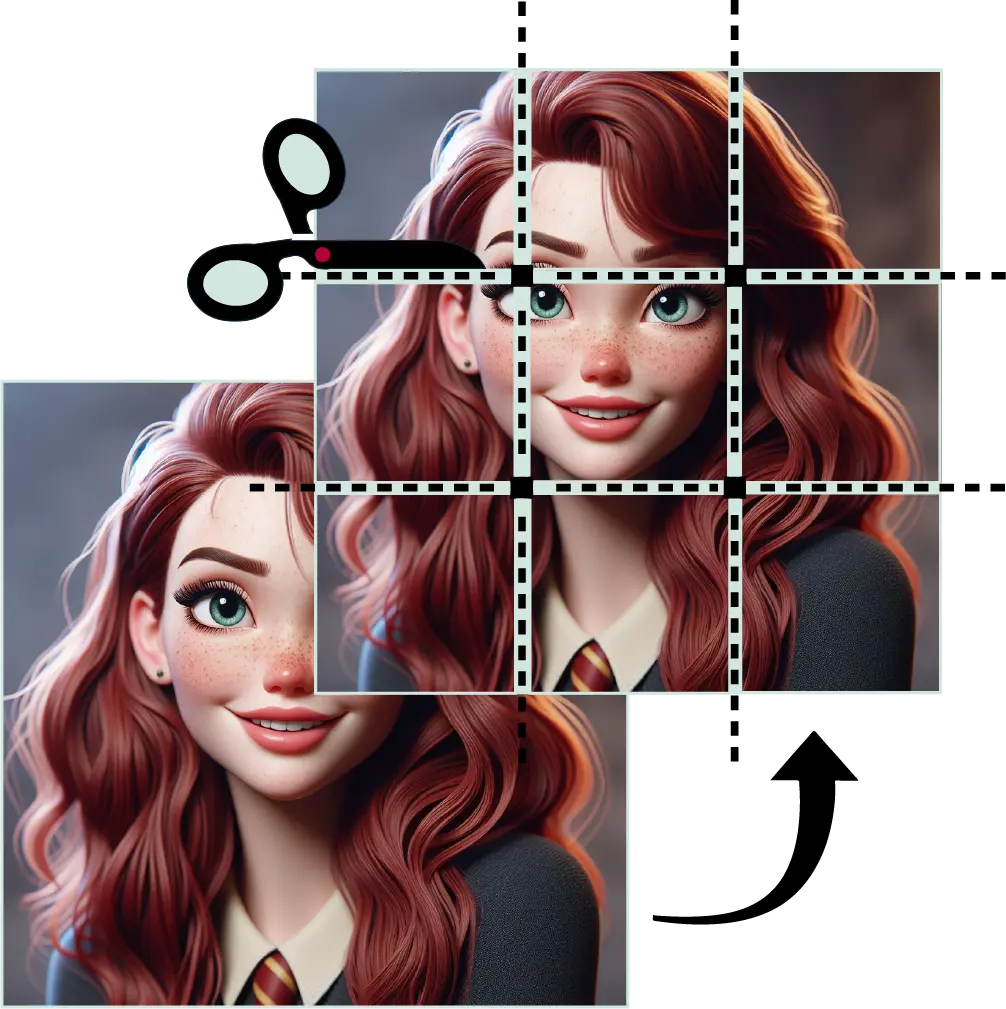
Upload the image to the tool for splitting by clicking on "Select Image" button.

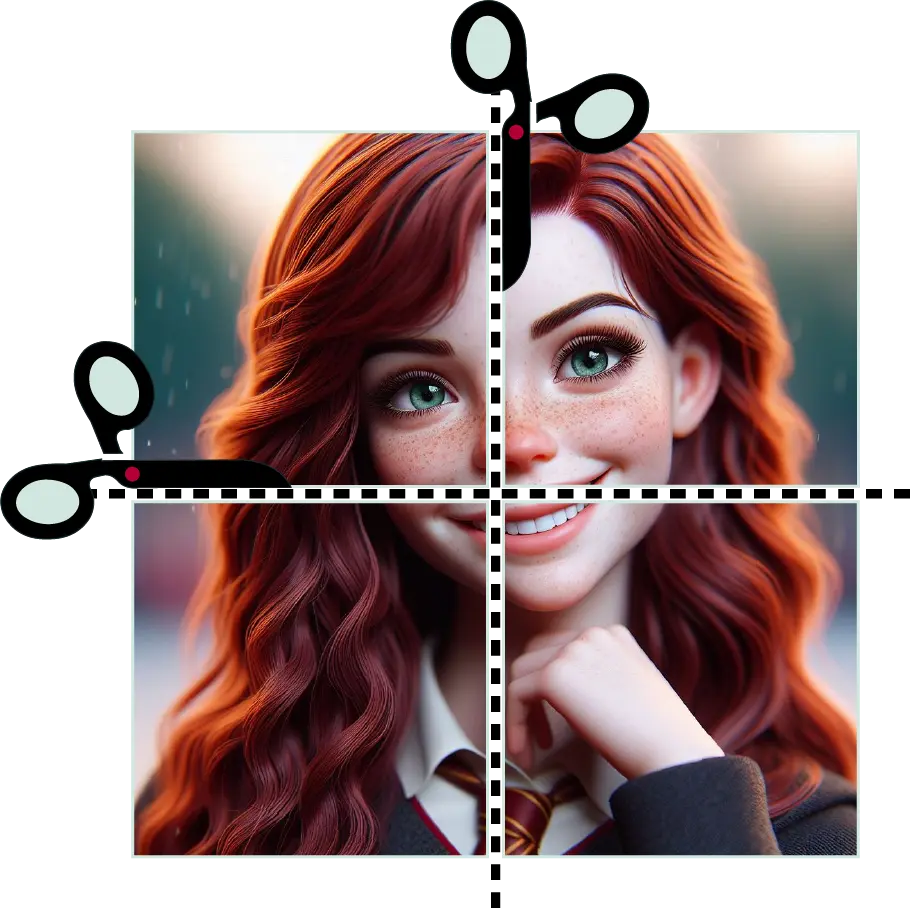
Enter the appropriate number of rows and columns, then click on the “Split Image” button.

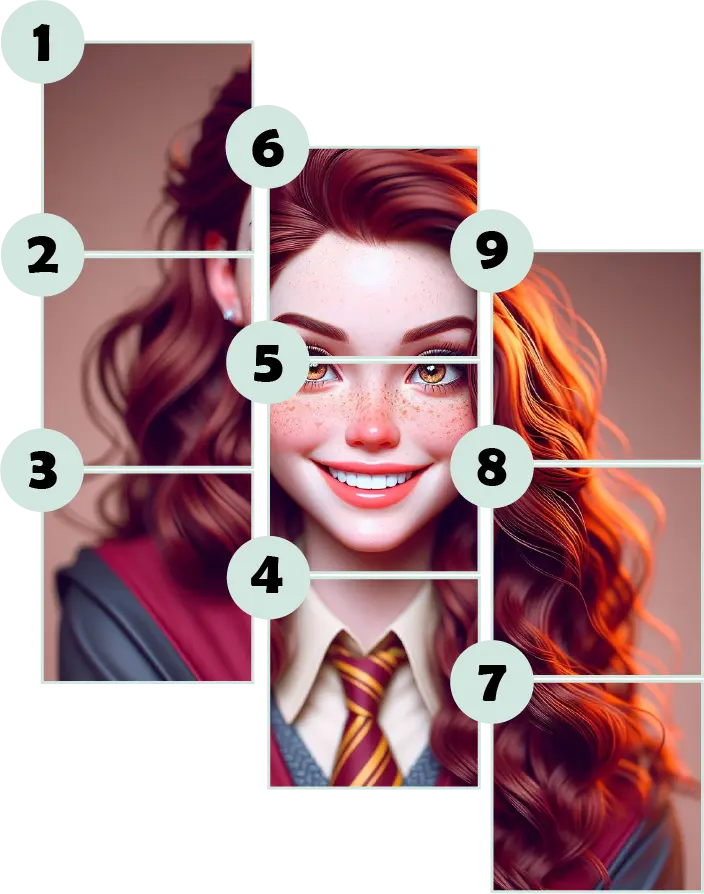
Afterwards, a “Download Zip” option will appear. You can click on it to download the split images.

After split your image, you can easily share it on your favorite social media platforms.
Split your photos into bite-sized pieces to create stunning Instagram grids.
The Image Splitter is a free online tool that allows you to split images into pieces in all directions (vertical, horizontal, or both).
The tool works by allowing you to upload an image, specify the number of rows and columns for splitting, and then it splits the image accordingly.
Yes, the Image Splitter tool is completely free to use. There are no hidden payments, no signup required, no demo versions, and no other limitations.
Yes, your images are secure. The tool does not upload your images to any server, so no one can access your images except you.
Once the image is split into pieces, a preview of the split images is displayed in the tool along with a download button. You can download all the split images at once in a zipped format.
There are no restrictions on using this tool. You can split any number of images, in any direction, as you want.