What is Image Tiler and why did we build it?
If you have ever tried printing a bunch of small pictures or custom stickers on standard A4 paper at home, you probably know how frustrating it gets. Usually, you end up opening Microsoft Word or Photoshop, spending twenty minutes dragging images around, guessing page margins, and hoping your home printer does not cut off the edges. Most of the time, the prints come out crooked, slightly off center, or just plain blurry.
We built Image Tiler to fix that exact headache. It is a free online tool that automatically repeats and aligns your photos into a neat grid on standard paper sizes like A4, A3, or US Letter. You just pick your layout, tweak your margins, and get a crisp, print ready sheet in seconds without having to download any heavy software or sign up for an account.
Key Features of Image Tiler & Passport Photo Maker
Our prepress layout engine packs powerful features designed to make print layout creation effortless, whether you are preparing family photos, official passport documents, or commercial sticker sheets.
Easily print passport photos and ID pictures at home
One of the handiest uses for this tool is preparing passport photos. Going to a local print shop or photo booth for official passport pictures can be surprisingly pricey, especially when you need copies for the whole family. It feels like a waste to pay full price for a single sheet with just two small pictures on it.
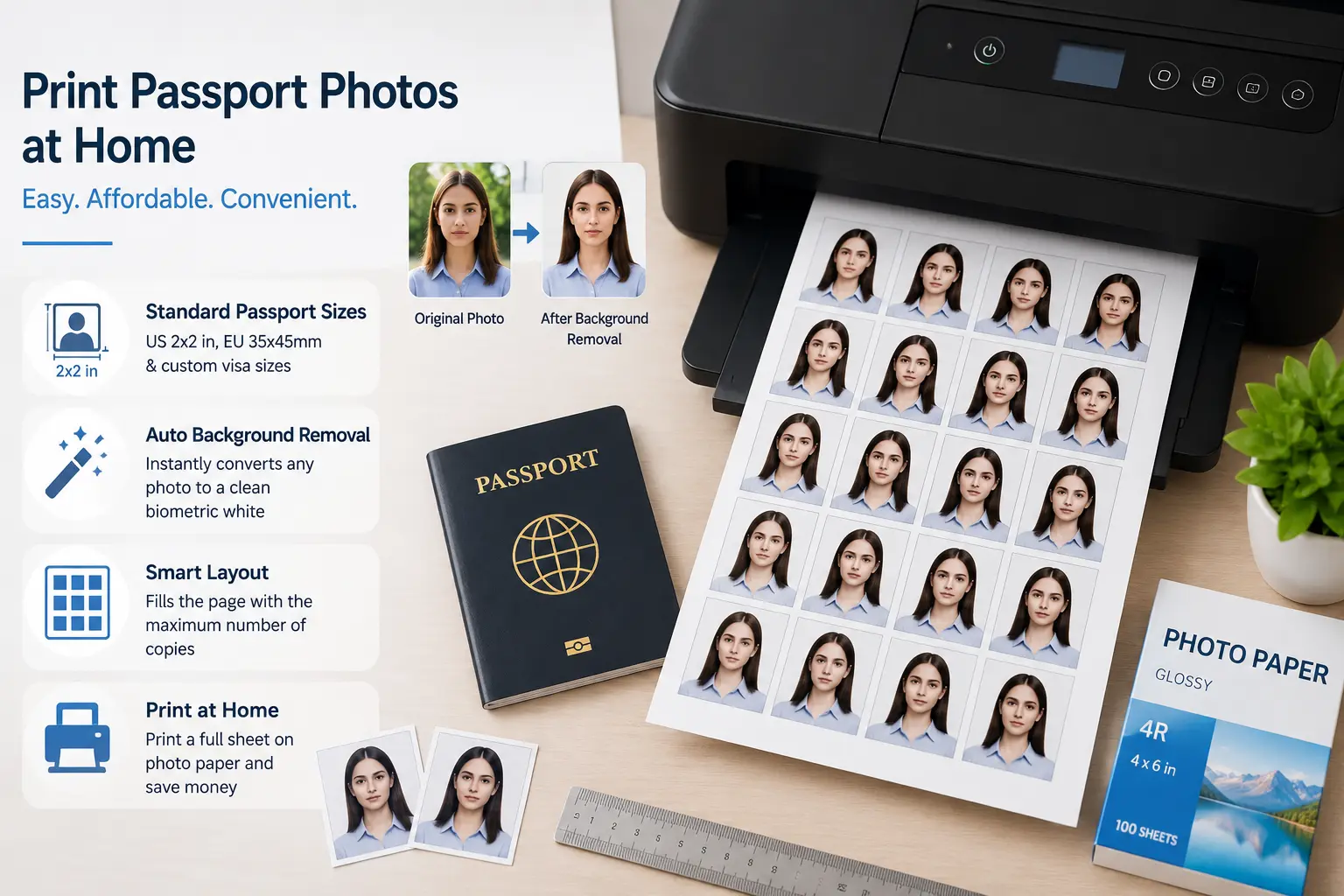
With our built in passport size photo maker presets, you can quickly format standard US 2x2 inch photos, European 35x45mm passport prints, or custom visa sizes. We also added a quick background removal button that turns messy photo backgrounds into clean biometric white automatically. The tool fills your paper sheet with as many copies as can safely fit, so you can print a full batch on photo paper in one go and save quite a bit of money.
A great tool for sticker sheets, labels, and craft projects
If you run a small sticker business on Etsy or just enjoy craft projects, arranging graphics on label paper can be a bit tricky. A tiny mistake of even half a millimeter can ruin an entire sheet of pre cut label stickers. Nobody wants that extra hassle.
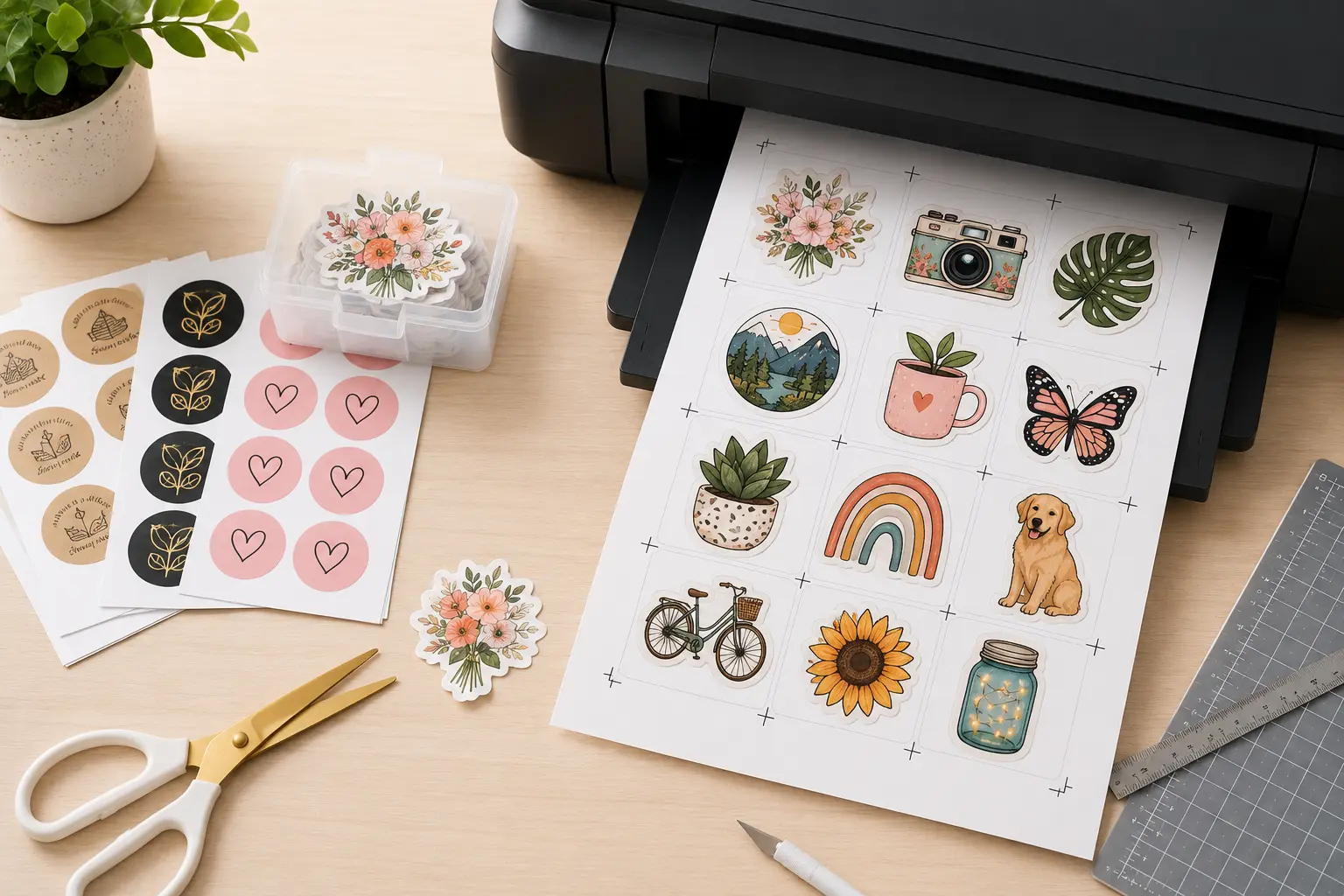
This web app gives you full control over spacing gaps and outer page margins down to the exact millimeter. You can set up clean gaps between your stickers so your paper trimmer or rotary blade has an easy path to cut along. If you use automated cutting plotters like Cricut or Graphtec, you can turn on registration marks directly in the settings, so your machine reads the page boundaries and cuts every shape accurately.
How to use Image Tiler step by step
Setting up your layout is really simple even if you have never used a design tool before. Here is how you can prepare your first sheet in a few quick steps:
Complete privacy with browser based rendering
Many online photo tools upload your files to distant servers to process them. We think your personal family photos and biometric passport pictures should stay private. That is why this tool does all the processing right inside your own browser using JavaScript and modern WebAssembly. Your photos never leave your device or get saved anywhere online, which also means everything works really fast regardless of your internet connection speed.
Frequently Asked Questions
How do I print multiple photos on one A4 page without distorting them?
Just upload your pictures, select A4 page size, and set your rows and columns under the Grid tab. Keep the fit mode set to 'Cover' or 'Contain' so your images keep their original shape without getting stretched out.
Can I use this as a cutout pro alternative for passport photos?
Yes, absolutely. You can choose standard passport dimensions from our preset dropdown and click the background button to turn your background plain white, all for free and without any download limits.
How do Cricut and Graphtec cutting marks work here?
When you turn on crop marks in the Canvas tab, the app draws precise black alignment lines around your printable grid. When you print the sheet and feed it to your cutting plotter, the machine reads those marks to know exactly where to cut.
Why does my exported PDF look much sharper than my computer screen?
Monitors usually display graphics at a low screen resolution around 72 DPI, but printing requires a higher density of about 300 DPI to look crisp. Our PDF exporter automatically arranges your layout at full commercial print resolution so your paper printouts come out clean and sharp.